



Amazon Astro is one of the most anticipated smart home tech releases of 2022. Think of it as an Alexa on wheels. Equipped with a moving 1080p periscope camera, the Astro will move around your home providing Alexa services like video chat. It can also closely integrate with Amazon Ring products to improve home security, says Jocelyn Brown, freelance technology writer.
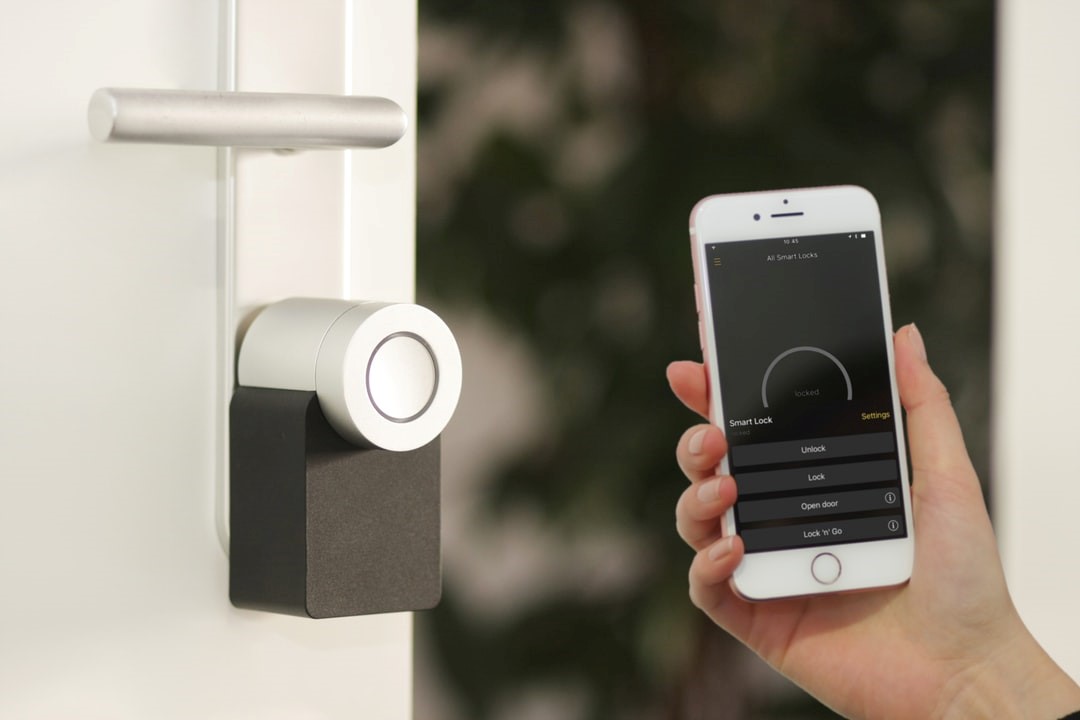
Indeed, smart home devices are rapidly advancing to make our home lives more enjoyable and convenient, as well as improve home value. If you’re selling your smart-enabled property, you’ll likely be leaving behind fixed devices (like thermostats, security cameras, flood lights, door locks, and garden irrigation systems).
Knowing what to do with these devices will help protect your privacy and security, as well as the privacy and security of the new homeowner.
Factory reset your devices
Before leaving your property, log out of all your accounts and delete all your devices (including door locks, security cameras, sensors, and thermostats) from the smart home apps on your phone, so you can no longer access them. You should also factory reset all devices left behind, which reassures the buyer you can no longer access the home’s cameras and locks.
Some devices can be reset via their companion app, while others can be reset on the device. Other devices, however, may be more of a challenge. For instance, if you’re leaving behind a smart ceiling light, its corresponding hub will also need to stay. If the light doesn’t have a hub, it can be reset via the smartphone app and the new homeowner will be free to connect the bulb to their phone and Wi-Fi router.
Delete your accounts (or don’t)
You may want to delete accounts associated with smart devices you’re leaving behind. So, for example, if you’re leaving your Rachio irrigation system and aren’t purchasing one for your new home, you can factory reset the device, delete the account, and sign out of the app.
However, account deletion may not always be required. You could simply reset the device and hold onto your Rachio account just in case you decide to install one in your new home. You can also keep your Google Home or Alexa accounts, for example, while deleting and factory resetting any devices left behind. You’re then free to move other devices to your new home where they’ll function with your existing apps. Although an exciting time, moving home can be overwhelming, especially for children. It’s therefore important that you manage the move well and keep the kids happy. By knowing the smart devices you take to your new home will work right away, you can enjoy an easier moving-in experience.
Provide useful information
The new homeowners will likely appreciate having the details of the manufacturer, exact model, and age of the smart devices you’re leaving behind. Factory reset instructions will also be helpful. Lastly, if you’re leaving any newer products, relevant paperwork will be needed if the new owners need to make a warranty claim.
If you’re moving home, knowing exactly what to do with your smart devices will make the process a lot easier. Factory resetting your devices, deleting necessary accounts, and leaving behind useful information will protect the privacy and security of yourself and the new homeowner.
The author is freelance technology writer, Jocelyn Brown. This article first appeared on www.iotglobalnetwork.com